The coffee you have every morning and the drink you tried on a trip slip from memory, starting with their names. Oh My Presso turns each drink into a sticker for that day's diary page and gathers every drink in your own collection.
Android · Coming soon · No ads
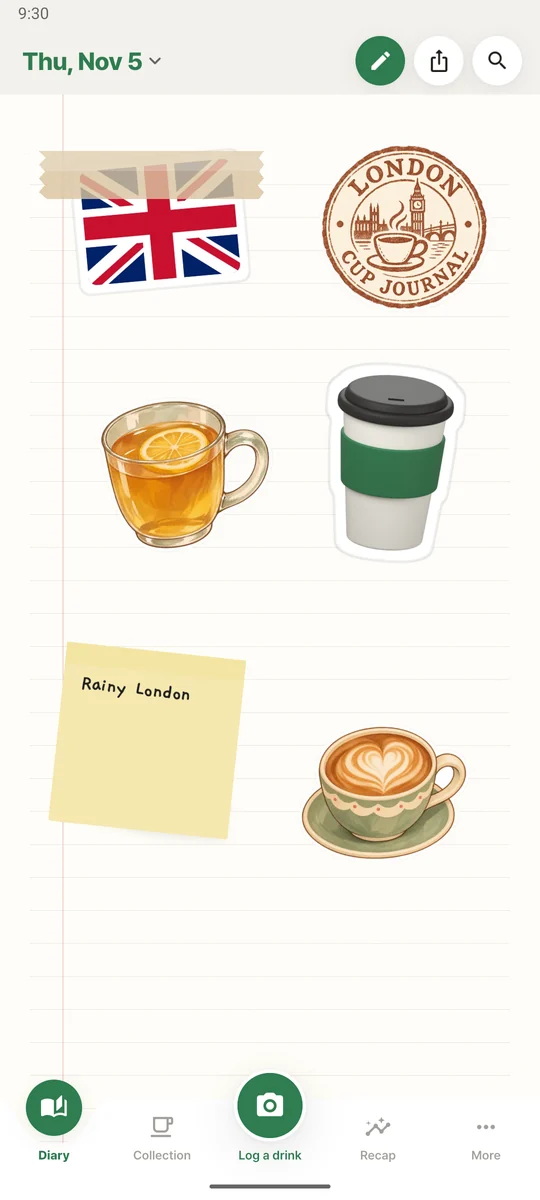
Log a drink and its sticker lands on that day's page. A new drink joins your collection, and everything adds up in Recap, month by month.
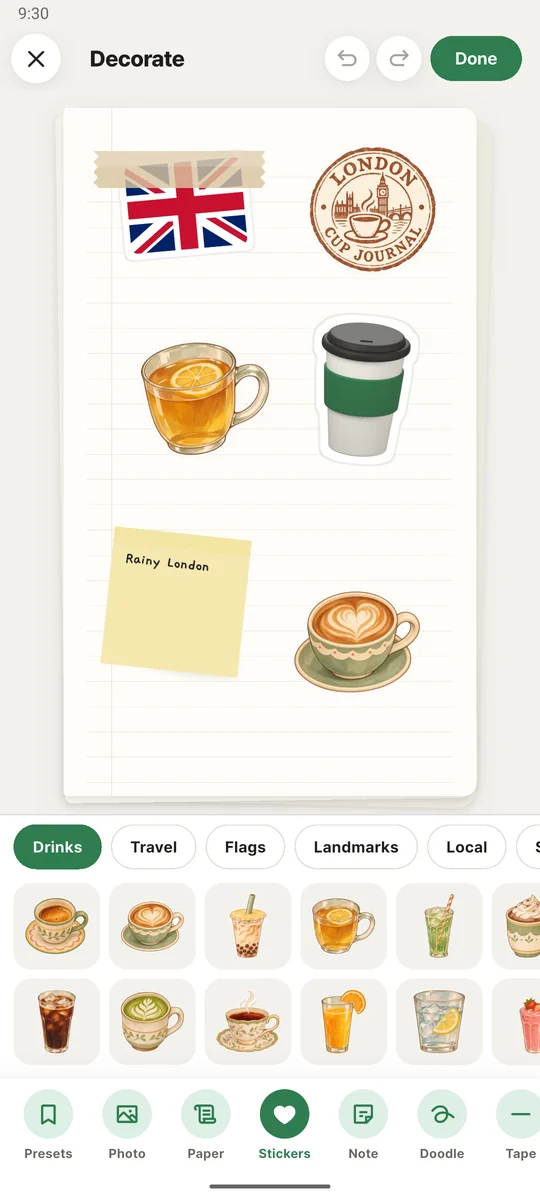
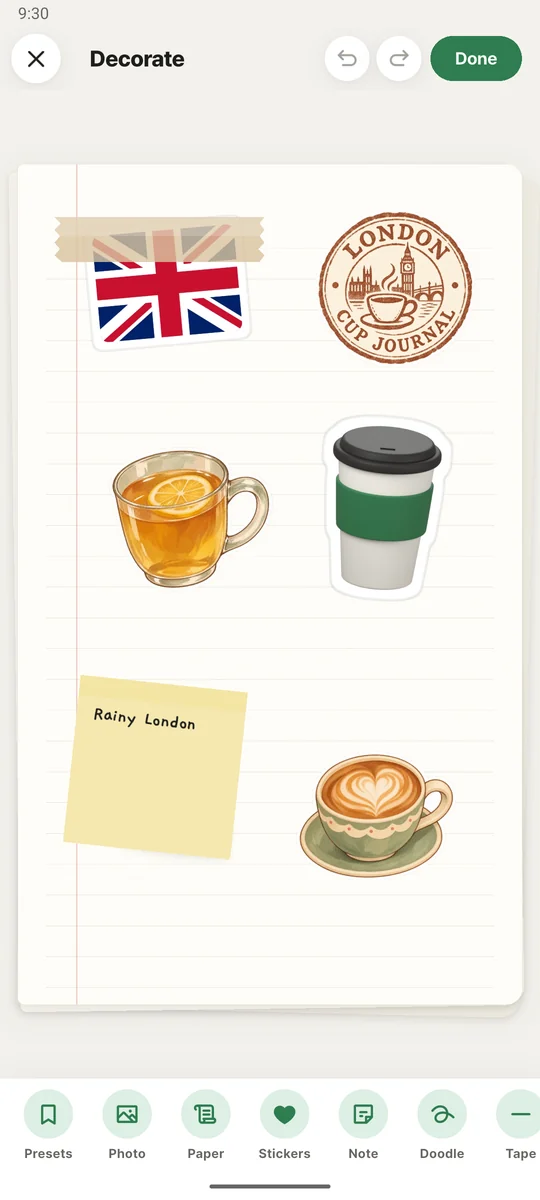
Write a note next to your drink sticker and pick paper, tape and stamps for that day's page.
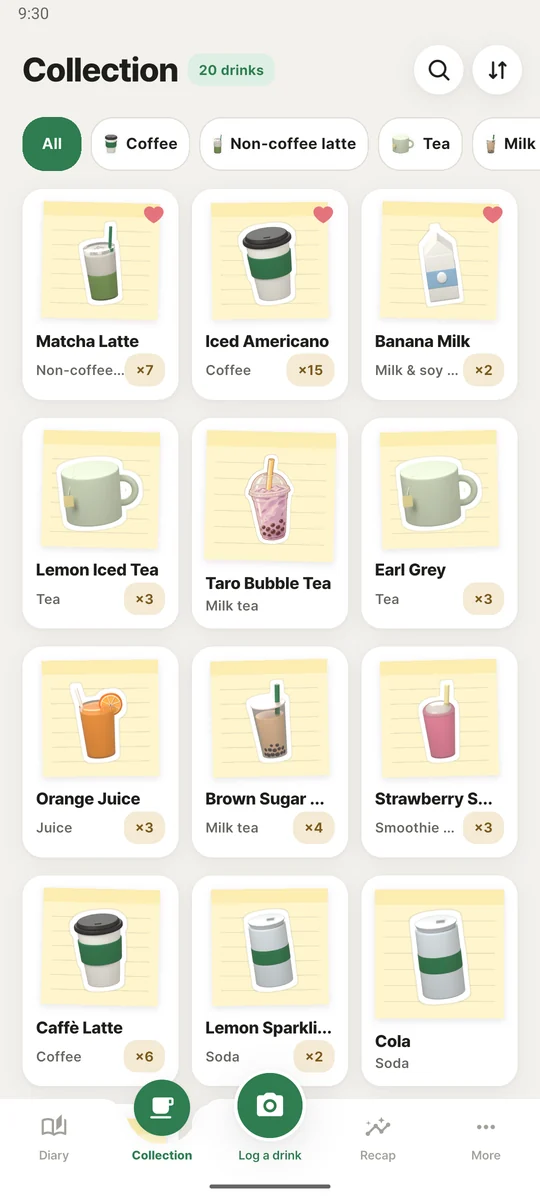
Every drink you try gets a card. Have it again and the count keeps going.
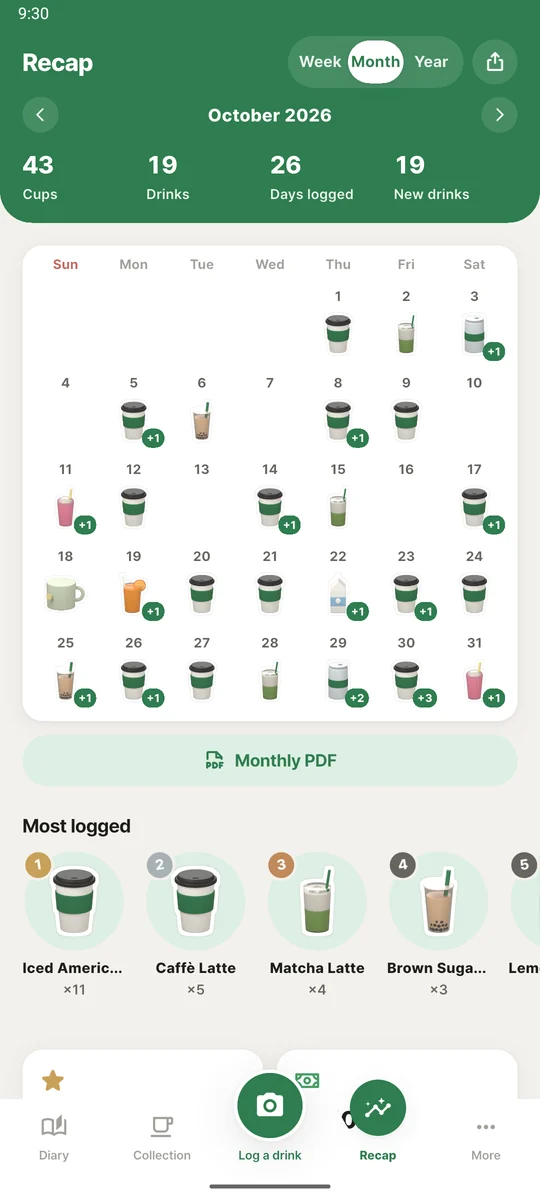
See your drinks by date on the calendar, along with your most logged drinks and spending.
Take a photo or choose one from your gallery and the background is removed to make a sticker. No photo? Just type the name.
When you log a drink, that day's page opens. Add stickers, notes and tape to make it yours.
Every drink joins your own collection, and Recap lets you look back over the month.
Your drink sticker lands on that day's page. Add a note, choose paper and tape, and save the current setup as a preset to reuse on another day.


Pick from Drinks, Travel, Flags, Landmarks, Local and Stamps. Flags, landmarks and local stickers from 80 countries let you log drinks from your trips.
A new drink gets its own card, and every time you have it again the record is added to the same card. Open a card to see when you first had it, last had it and where.


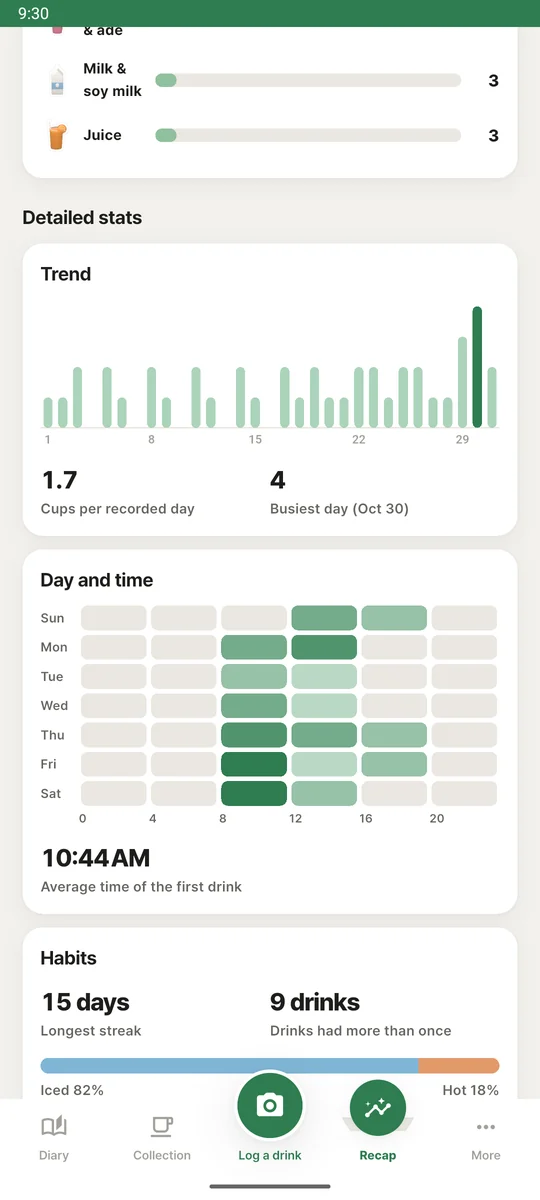
Each day on the calendar shows the drink you had. Weekly, monthly and yearly recaps show your cups, your most logged drinks and the spending you entered.
See the day and time you drink most, the average time of your first drink and your longest streak. Iced and hot share, ratings, and the caffeine and sugar you entered are there too.

We are preparing the Android release. Once it is out, this page will link to Google Play.
An app for logging your drinks and decorating a diary page a day. It removes the background from your drink photo to make a sticker, and you decorate that day's page with notes and stickers. Your drinks build up in your collection, and Recap shows your month. It is available for Android.
Yes. Just type the name. A drink without a photo appears on the page as a cup illustration that matches its type. You can also choose a gallery photo or log by name without camera permission.
Your records, photos and decorated pages are stored on your device. Background removal also runs on your device, so your photos never leave it. Usage statistics and error reports used to improve the app do not include drink names, photos or notes.
No. You can start logging right after installing, with no account.
Go to Backup & restore in settings, create a backup file, and open it on your new phone with Restore from backup. You can also export your records as a CSV file.
Yes. The basic features are free and there are no ads. 600+ extra decorations, high-resolution share images, detailed stats, a monthly diary PDF and a drink calendar widget come with Pro, a one-time purchase.
When the app launches, this page will link to Google Play.
Android · Coming soon